What was the challenge?
 The Study Smart 3 project explored how multimodal AI could improve the student learning experience while reducing barriers to accessibility and resource creation.
Three key challenges were identified:
- Students consumed learning materials in different ways, but teaching resources were often uploaded in only one format (typically Word documents or PowerPoint presentations).
- The University wanted to explore conversational AI avatars that could support students while understanding user perceptions, accessibility requirements and ethical considerations.
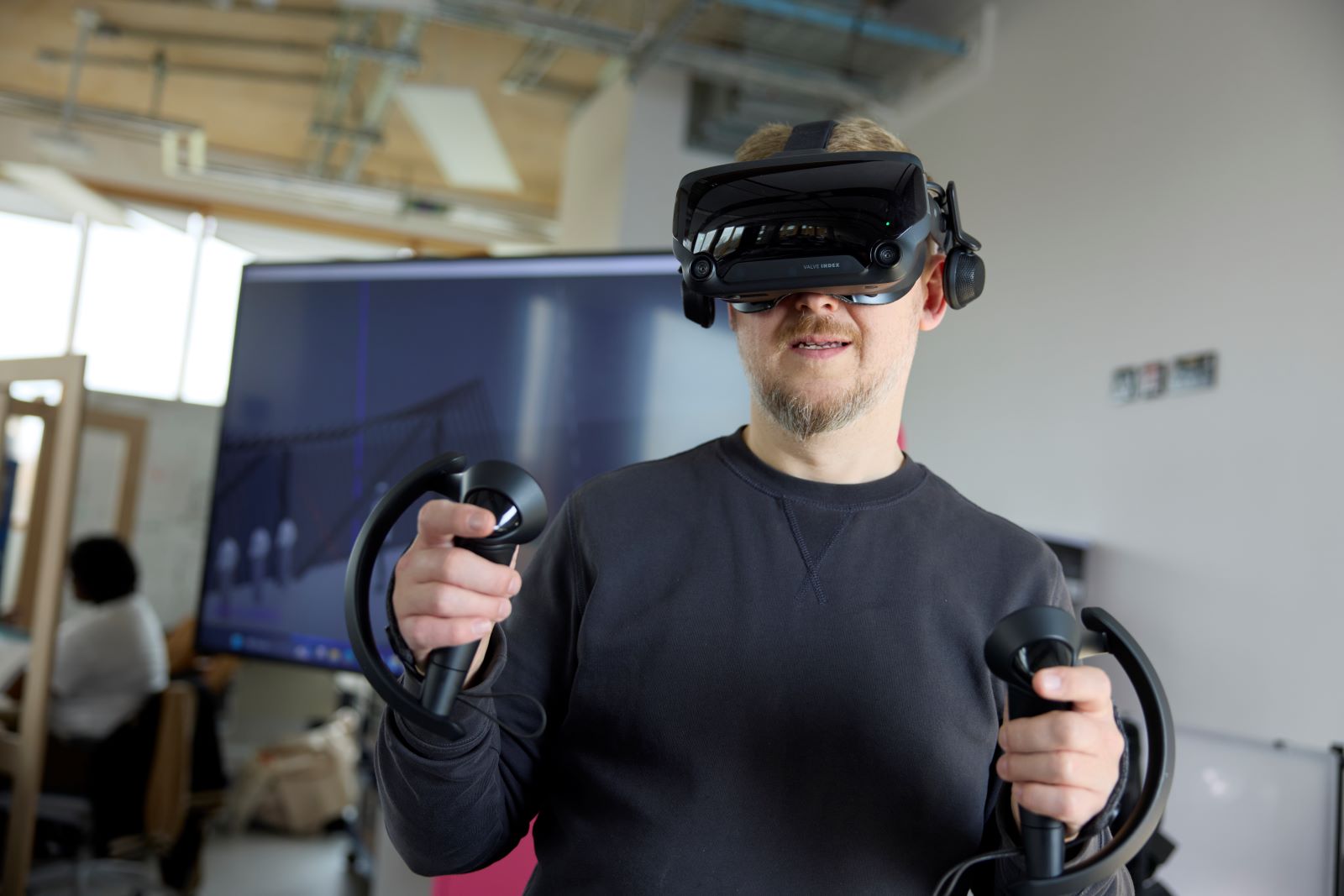
- Creating immersive Virtual Reality (VR) learning environments traditionally required significant time, specialist equipment and manual production.
The aim was to investigate how AI could provide more flexible, accessible and engaging learning experiences while remaining practical for staff to implement.
What did you do?
The project explored several complementary AI technologies.
Blackboard Ally
Academic staff continued uploading learning materials as normal. Blackboard Ally automatically analysed uploaded resources and generated multiple alternative formats including:
- Audio (MP3)
- Accessible PDF
- Accessible Word
- Electronic Braille
- Alternative language versions where appropriate
Students selected whichever format best suited their learning preferences without requiring additional work from academic staff.
AI Avatars
Working with Kaltura, the team piloted an AI-powered virtual assistant called Nora, a cartoon-style avatar developed to explore conversational student support.
The pilot focused on:
- Creating an approachable virtual assistant.
- Evaluating user reactions to different avatar styles.
- Testing conversational AI using University information.
- Gathering staff feedback to improve usability, accessibility and trust.
Feedback from pilot users was shared directly with Kaltura, influencing future product development.
AI-generated VR
The team also investigated using AI to generate 360° virtual environments rather than recording them manually using specialist cameras.
Instead of filming every environment, existing imagery and AI image generation tools were used to create immersive learning spaces more efficiently. This approach aimed to reduce production time while expanding opportunities for simulation-based learning.
Multimodal Use
Blackboard Ally converted written learning materials into multiple accessible formats including audio and alternative document types.
The Kaltura avatar combined spoken language, conversational AI and animated visual interaction to create a virtual assistant capable of responding to user questions.
The VR work combined AI-generated imagery with immersive 360° environments to create interactive learning experiences without requiring traditional video production.
Together, these technologies enabled students to engage with learning resources through text, audio, visual interaction and immersive environments depending on their individual needs and preferences.
What did this look like in practice?
Students using Blackboard could immediately download learning resources in formats that suited their preferred way of studying, with audio versions proving particularly popular for learning while travelling.
The AI avatar was piloted with professional services staff, who interacted with Nora and provided detailed feedback on the experience. This included opinions on avatar appearance, conversational quality, accessibility features and overall trust in AI-assisted support.
Within the VR project, AI-generated 360° environments were explored for educational scenarios where manually recording real-world locations would otherwise require considerable time and resources.
The project also established an ongoing collaboration with technology providers, allowing University feedback to directly influence future improvements to AI products.
What was the impact?
The project demonstrated how multimodal AI can improve accessibility while reducing staff workload.
Blackboard Ally enabled students to access learning resources in formats that suited their individual learning needs without requiring tutors to prepare multiple versions of the same material. Usage data showed that students actively chose alternative formats, particularly audio downloads and accessible PDFs.
The avatar pilot generated valuable insights into user acceptance of conversational AI. Feedback highlighted that technical capability alone was insufficient; trust, accessibility, appearance and interaction design all strongly influenced user engagement. Several accessibility recommendations provided by the University—including improved captioning—were subsequently adopted by the software developer.
The VR work demonstrated the potential to significantly reduce the time required to create immersive learning environments while opening new opportunities for simulation-based teaching across a range of disciplines.
Overall, the project highlighted AI’s ability to enhance learning experiences while also revealing important human, ethical and practical considerations that must accompany implementation.
Ethical or practical considerations?
Ethics and responsible AI adoption formed a central part of every strand of the project.
Accessibility remained a priority throughout. Equality Impact Assessments were undertaken to ensure technologies met the needs of diverse learners, while accessibility issues—such as the lack of captions within the first version of the AI avatar—were identified and fed back directly to developers.
Data privacy was carefully considered, particularly for AI systems processing speech, personal interactions and cloud-based services. The University worked closely with Data Protection teams and carried out Data Protection Impact Assessments (DPIAs) before wider deployment.
The project also highlighted broader ethical questions surrounding AI, including trust, algorithmic accuracy, environmental sustainability, transparency, user autonomy and the importance of maintaining authentic human interaction within education. Rob emphasised that AI should support—not replace—the human relationships that remain central to learning.
Reflections and Advice
- What worked well?
Using multiple AI technologies together demonstrated that accessibility, immersive learning and conversational support can all be enhanced without fundamentally changing academic workflows. Close collaboration with technology providers also ensured that University feedback influenced future product development. - What would you refine or change next time?
Future work should continue improving accessibility features, strengthen the quality and governance of institutional data used by AI systems and offer greater personalisation so users can tailor AI experiences to their individual preferences. - What advice would you give to colleagues considering something similar?
Begin with a genuine educational problem rather than the technology itself. Pilot new tools with users, collect honest feedback and expect to refine the solution over time. Accessibility, privacy and ethics should be considered from the outset rather than treated as afterthoughts. - Any further reflections?
Rob emphasised that multimodal AI presents significant opportunities for higher education but also raises complex questions around trust, privacy, inclusion and human interaction. Successful adoption requires balancing technological innovation with careful governance, critical evaluation and a continued focus on authentic learning experiences.
Quick start guide for colleagues
- Faculty/module/cohort (if applicable): University-wide Learning Technology Support
- AI Tool(s) Used: Blackboard Ally, Kaltura AI Avatars, AI image generation tools, Virtual Reality (VR) platforms, Google Street View, Adobe Photoshop AI
- AI mode(s) used (e.g., text → image, audio → text, multimodal prompts): Text → audio, text → accessible formats, speech ↔ AI avatar interaction, image generation, AI-assisted 360° environment creation, multilingual content generation.
Estimated time required to set up: Varies by technology. Blackboard Ally requires minimal ongoing setup once integrated institutionally, while AI avatars and VR pilots require moderate planning and testing.
Digital skill level required (Low / Moderate / High): Moderate
Common pitfalls to avoid:
- Introducing AI without a clear educational purpose.
- Overlooking accessibility requirements such as captioning and alternative formats.
- Using outdated or poorly curated institutional data.
- Failing to complete appropriate privacy and data protection assessments.
- Assuming AI should replace rather than complement human interaction.
Best suited for (discipline / module type / cohort): University-wide learning support, online and blended learning, accessibility initiatives, induction activities, simulation-based learning, professional services, and disciplines using immersive or digital learning environments.